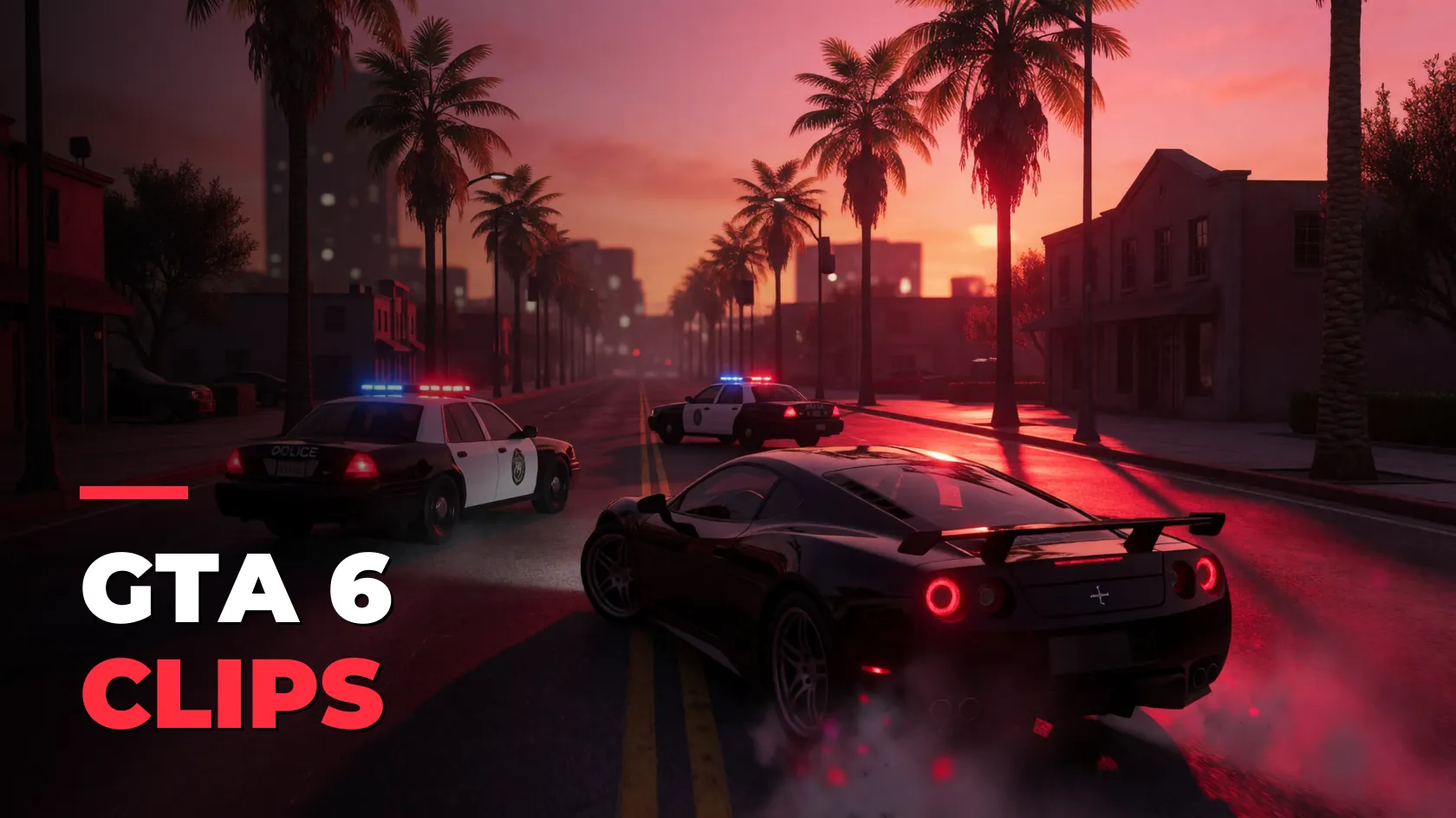
GTA 6 streams are chaos. Clip all of it.
GTA 6 streams run long and blow up without warning: a chase, a crash, a heist gone wrong. Clipinator watches them on your PC and clips the spikes automatically, ready for GTA 6 clipping campaigns.
Tuned for chaos
Set 40–55 s of lead-in and 15–20 s of follow-through so every chase keeps its build-up and payoff.
GTA VI campaigns
Campaigns → Discover has its own GTA VI row of live campaigns from Content Rewards.
Streamer Split
Face cam on top, gameplay below, captioned word by word: the format GTA clips do numbers in.
Unlimited
Monitor every GTA streamer your PC can handle on Pro Clipper. No credits, no minute caps.
Built for GTA 6 clipping campaigns
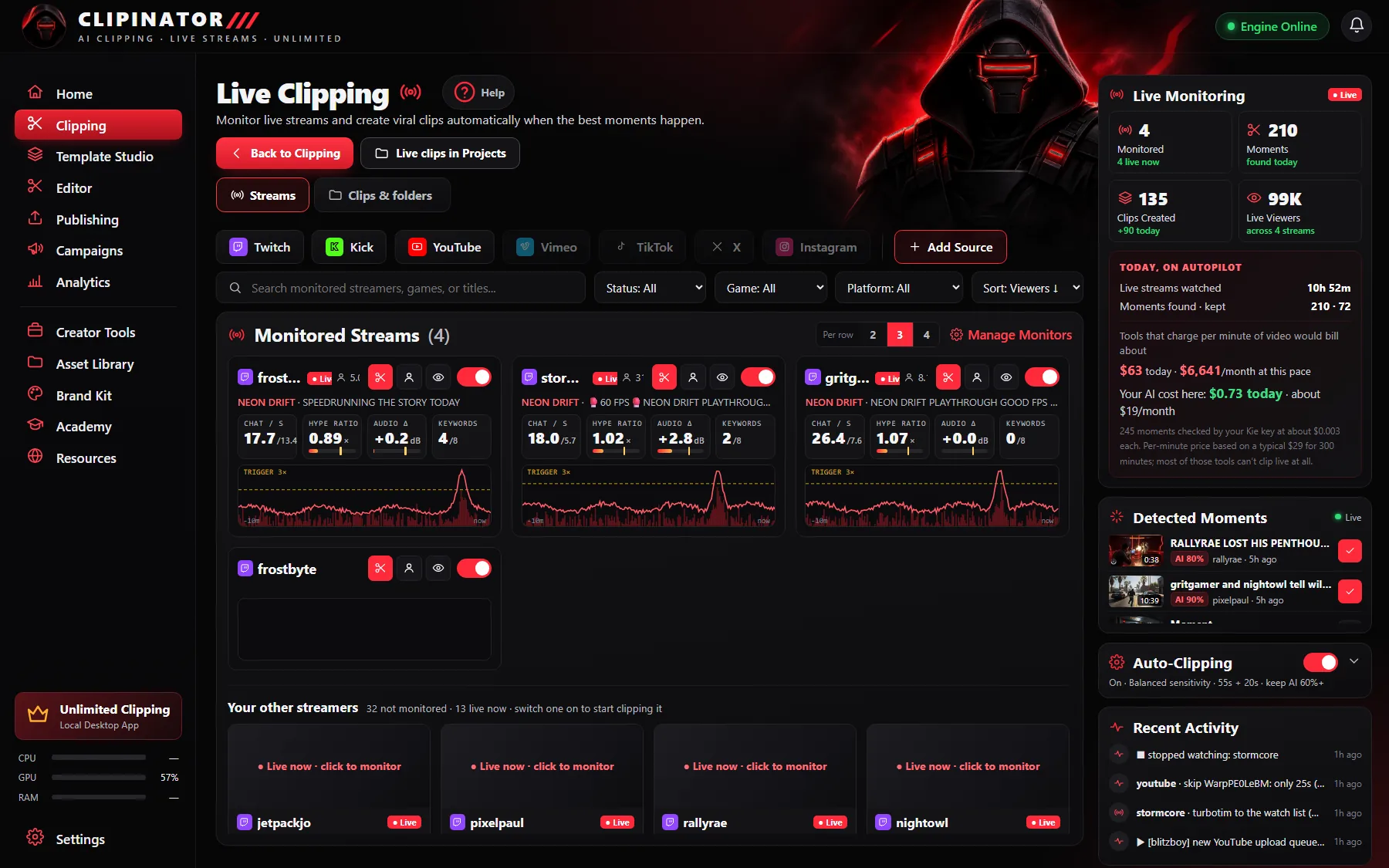
GTA 6 campaigns are some of the most crowded right now, which means the clippers who post more good clips, faster, take the views. Add the campaign’s streamers to Live clipping and Clipinator clips them all night, so your clips are ready to post the next morning.
Catch up on the VODs
Missed a stream? Paste the VOD into Long video → Shorts, or build a full YouTube episode of the session with VOD → Long-form. See how to turn a VOD into a YouTube episode.
Questions
How do I clip GTA 6 streams automatically?
Add the streamers to Live clipping. Clipinator watches chat and audio, clips the spikes with the build-up and payoff, frames them 9:16 and captions them.
Where do I find GTA 6 clipping campaigns?
Clipinator’s Campaigns → Discover tab has a GTA VI row of live campaigns from Content Rewards.
What lead-in works for GTA clips?
About 40–55 seconds of lead-in and 15–20 seconds of follow-through works well for chaotic GTA streams.
Can I clip any GTA streamer?
Only streamers you have permission to clip: your own channel, a campaign you joined, or someone who said yes.
Clip GTA 6 on autopilot
Unlimited clips on your own PC, from $29 a month. No credits, cancel anytime.
Guides