Clipping for Beginners: How to Make Money Clipping Streams
Clipping means cutting the best moments out of streams and long videos and posting them as Shorts. Brands and streamers now pay clippers per view. Here is how it works and how to start without burning out.
What is clipping?
Streamers go live for hours. Most of their future fans will never sit through a full stream, but they will watch a 40-second clip of the best moment. Clippers find those moments, cut them to vertical 9:16, add captions and post them to TikTok, YouTube Shorts and Instagram Reels.
Some clippers do it for their own channel. More and more do it for clipping campaigns, where a streamer or brand pays for the views your clips get.
How you make money clipping
- Join a campaign. Campaigns are listed on marketplaces such as Content Rewards. Each one shows its rate (for example per 1,000 views), its budget and its rules.
- Clip the streamer the campaign is about, following its rules on platforms, length and format.
- Post the clips to your own accounts and submit the links.
- Get paid on verified views until the campaign budget runs out.
Earnings depend on the rate, the rules and how your clips perform. Nobody can promise you an income, and anyone who does is selling something. What you control is how many good clips you post, and how fast. More on finding campaigns in how to find clipping campaigns that actually pay.
The beginner's problem: volume
Clipping is a numbers game. One clip rarely makes a campaign; thirty good ones might. Doing that by hand means watching hours of stream, scrubbing, cropping and captioning every day. That's where most beginners quit.
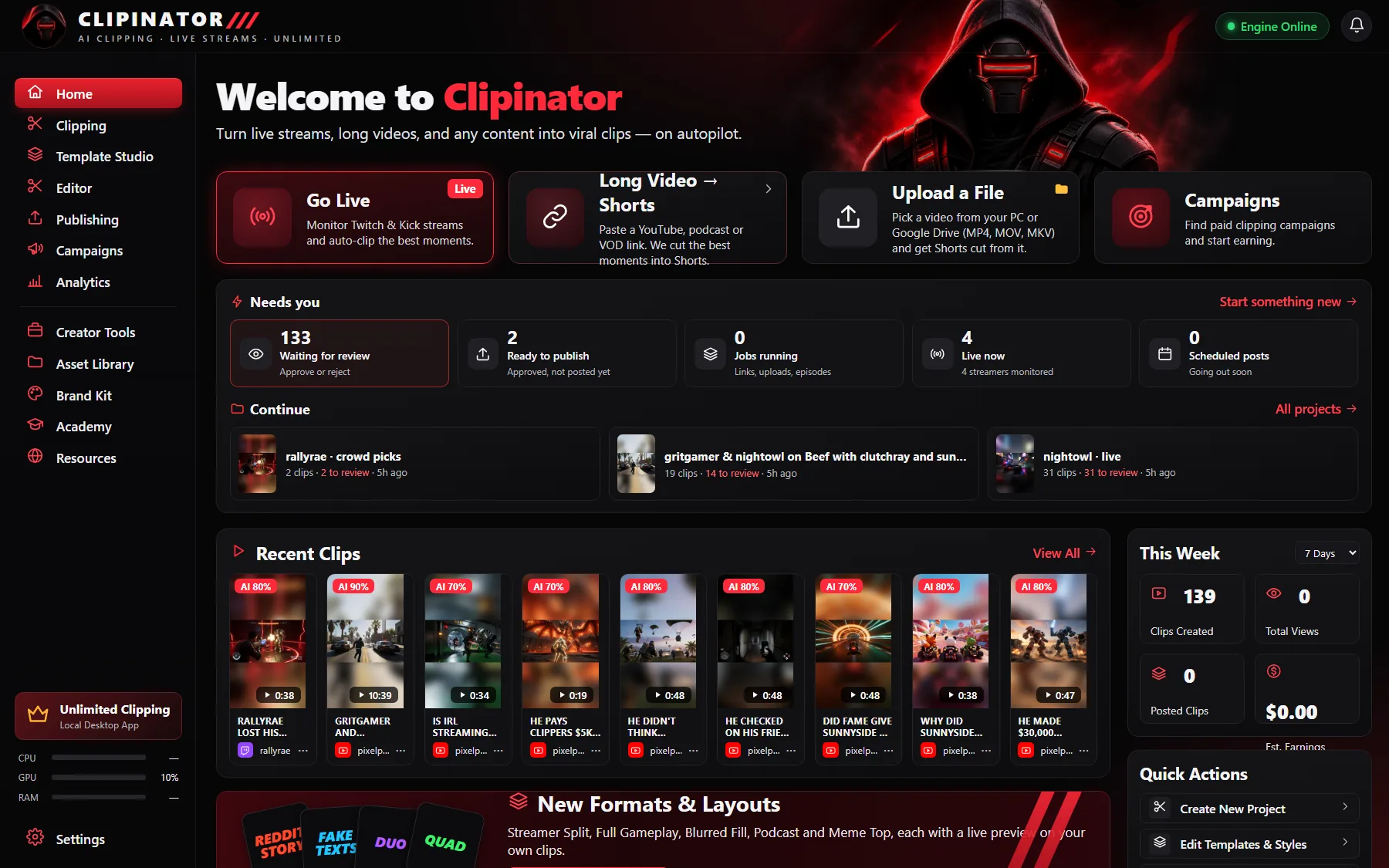
The fix is to let software do the watching. Clipinator monitors live streams on Twitch, Kick and YouTube, notices when chat and audio spike, and clips the moment with the build-up and the payoff. You wake up to a list of clips to review instead of a list of streams to watch.
A day-one setup
- Set up the AI. It works out of the box with a free built-in AI on your PC. An optional OpenAI key gives sharper titles at about 1¢ per finished clip, with a daily cap.
- Add the streamers from your campaign. Open Clipping → Live clipping → Add Source, and paste their Twitch, Kick or YouTube link.
- Pick a format and caption style for each streamer. Streamer Split (face on top, gameplay below) works for most gaming streams.
- Let it run. Clips land in Needs review.
- Review, then schedule. Approve the best and spread them across the evening.
A daily routine that scales
- Morning: review Needs review and approve the best clips.
- Afternoon: schedule them across the evening peak.
- Night: leave Live clipping running on the streamers in your campaigns.
What makes a clip do numbers
- Open on the moment, not the build-up to the build-up.
- Big word-by-word captions, because most people scroll muted.
- A short, specific title.
- Post consistently. Schedule clips so something goes out every evening.
Questions
Is clipping still worth it?
Clipping campaigns keep growing because streamers and brands want reach on Shorts, TikTok and Reels. What you earn depends on the campaigns you join, their rates and how your clips perform. There are no guarantees.
Do I need editing skills to start clipping?
No. A clipping tool can find the moments, cut them to 9:16 and caption them. You review the results and tweak the ones you want in the built-in editor.
How many clips should a beginner post?
As many good ones as you can post consistently, within each campaign’s rules. Volume matters, but every clip still needs a clear moment in the first two seconds.
Can I clip any streamer?
Only streamers you have permission to clip: your own channel, a campaign you joined, or someone who said yes.
Clip it all on your own PC
Clipinator watches streams and long videos, finds the best moments and turns them into captioned Shorts. Unlimited clips, no credits, from $29 a month.