Every hype moment on Twitch, clipped while they’re still live.
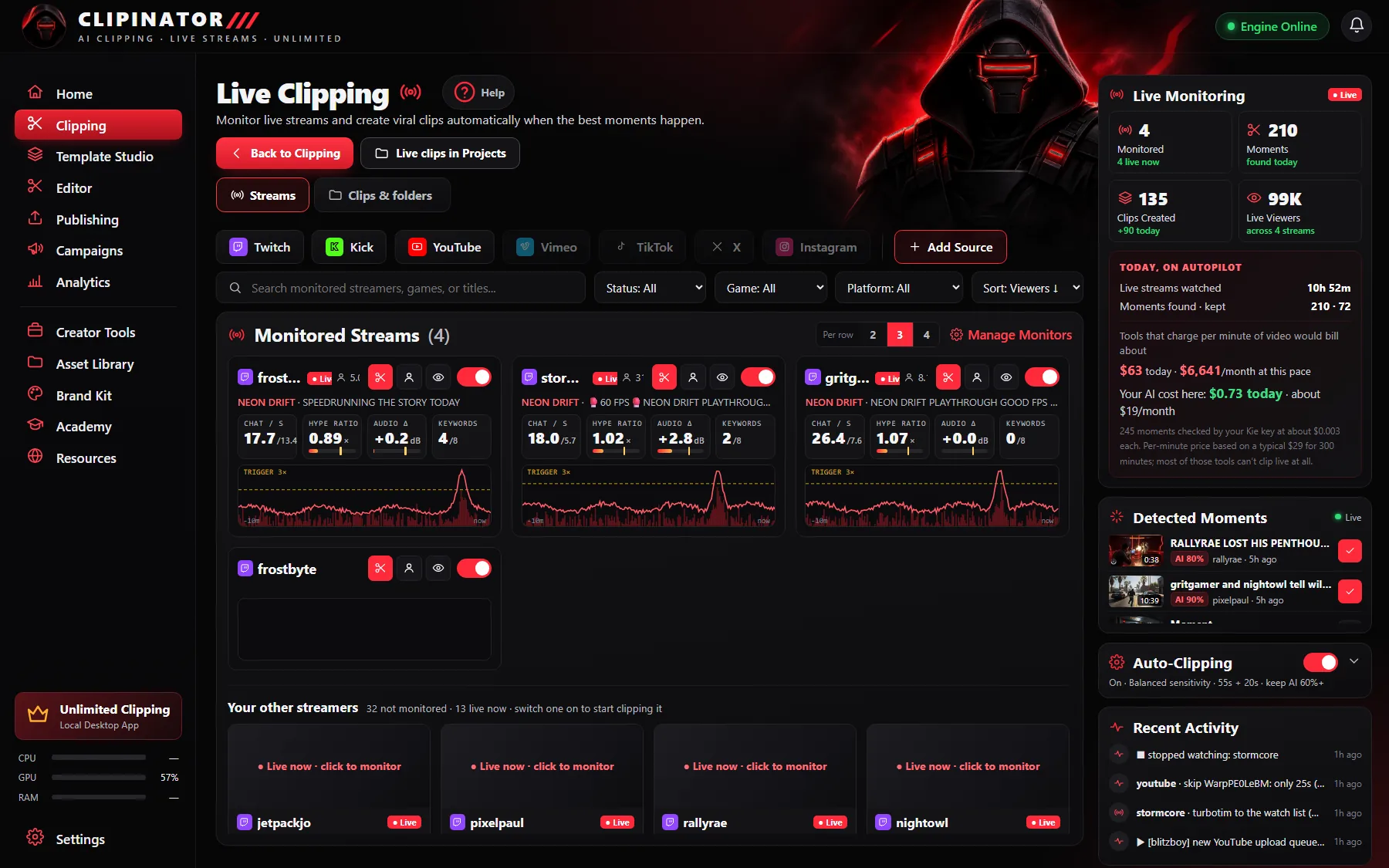
Clipinator watches Twitch streams on your PC, reads chat and audio, and clips the spikes with the build-up and the payoff. Each one comes out 9:16, captioned and titled, ready to post to TikTok, YouTube Shorts and Reels.
Clips while they’re live
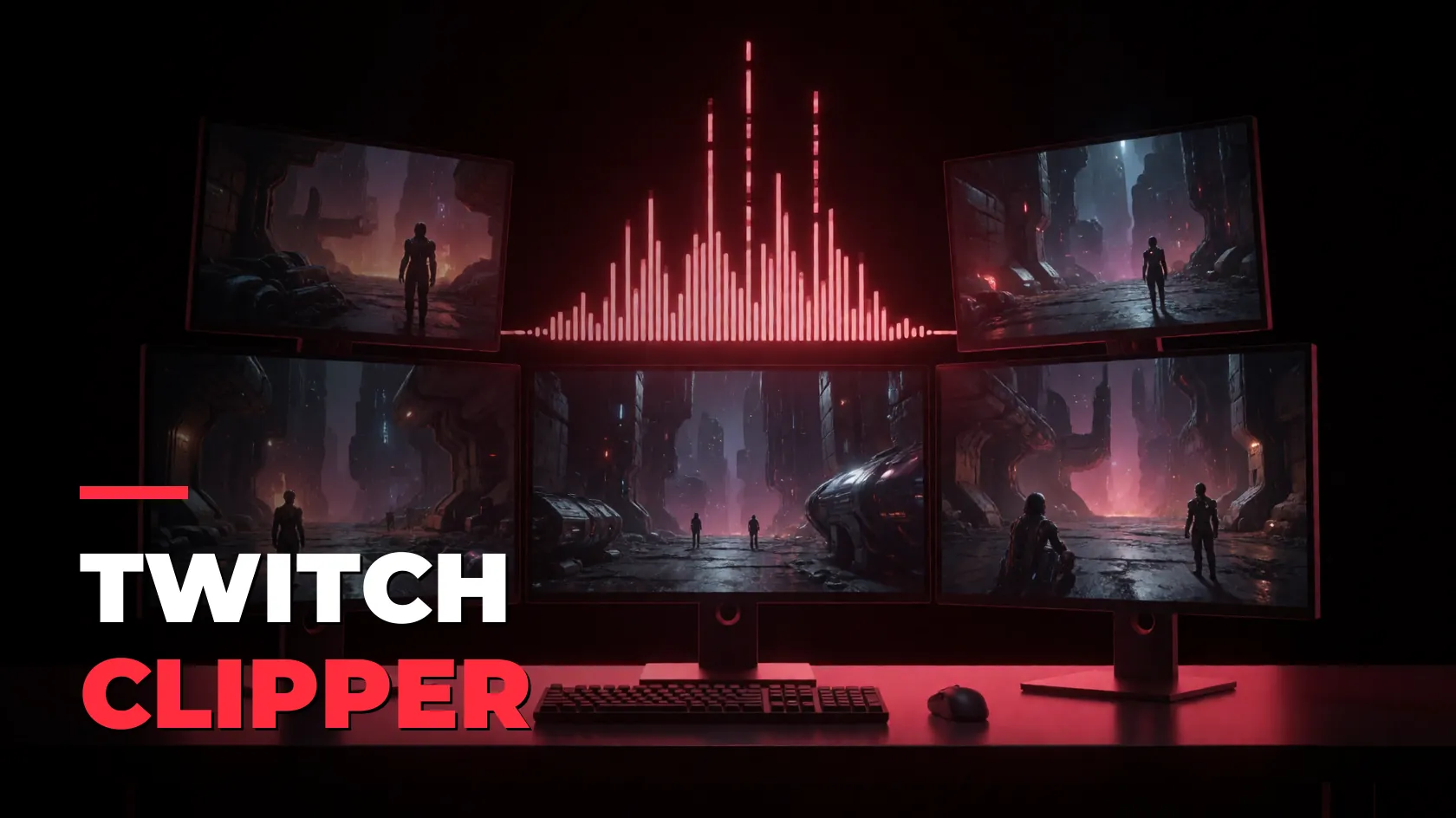
Chat speed, hype ratio and audio tell Clipinator when something happens. It clips it with the lead-in and follow-through you set.
Streamer Split, automatically
The AI finds the face cam and stacks it over the gameplay. Drag a new box if it’s off, or pick Full Gameplay for Just Chatting.
Import who you follow
Sign in with a QR code and pick streamers straight from your Twitch follow list.
Unlimited, on your PC
No credits, no minute caps. Monitor 2 streamers on Starter or every streamer your PC can handle on Pro Clipper.
An AI clip maker built for Twitch
Viewer-made Twitch clips are random, landscape and uncaptioned. Clipinator makes its own: it watches the stream, clips the moments that matter, frames them vertically and captions them word by word. Clips land in Needs review in a folder per streamer and per stream, so a night of streams becomes a morning of reviewing.
Missed the stream?
Paste the Twitch VOD into Long video → Shorts and it goes through the whole broadcast, or turn it into a full YouTube episode with a hook up front. How VOD → Long-form works.
Post it everywhere
Publish or schedule to TikTok, YouTube Shorts and Instagram Reels through your own Postly account, or post it yourself: Clipinator saves the clip with its caption and opens the upload page for you.
Questions
How does automatic Twitch clipping work?
Clipinator watches the live stream on your PC, scores chat speed, hype and audio, and clips the moment when they spike, with the build-up before and the payoff after. Then it frames, captions and titles the clip.
How many Twitch streamers can I clip?
Starter covers live auto-clipping for 2 streamers. Pro Clipper covers every streamer your PC can handle; Agency gives 3 PCs on one licence.
Do I need permission to clip a streamer?
Yes. Only clip your own channel, a campaign you joined, or a streamer who said yes.
Does it work with Kick and YouTube too?
Yes. Live clipping works with Twitch, Kick and YouTube streams.
Never miss a Twitch moment again
Unlimited live clipping on your own PC, from $29 a month. No credits, cancel anytime.
Guides