How to Clip Kick Streams (Step by Step)
Kick streams run long and get wild, which makes them great for clipping, but Kick’s own clip tool is basic. Here is how to clip Kick streams automatically and post them as Shorts.
Clipping on Kick, the manual way
Kick lets viewers clip the last moments of a stream, and you can download those clips. But they come out landscape, uncaptioned, and you still have to be watching at the right second. Turning them into Shorts means cropping, stacking the face cam, captioning and exporting each one.
Clip Kick streams automatically
Clipinator monitors Kick streams the same way it monitors Twitch and YouTube: it reads the chat and audio, clips the spikes with the build-up and payoff, and frames them vertically with captions.
- Open Clipping → Live clipping.
- Press Add Source and paste the Kick channel link, or the streamer's name.
- Tick the permission box. Only clip streamers you are allowed to: your own channel, a campaign you joined, or someone who said yes.
- In Set up, check the face box (drag a new one if it's off), pick a format and a caption style.
- Press Save & start clipping. The streamer gets a tile with a live hype meter.
Use the Kick tab on the Live clipping page to see only your Kick streamers.
Which format for Kick?
- Streamer Split for gaming and slots-style streams with a face cam: face on top, gameplay below.
- Full Gameplay for IRL and Just Chatting, where the camera is the content.
- Blurred Fill when you want the whole 16:9 frame visible.
Catch the moment yourself
Watching along? The red scissors on a tile clips that moment right now. The eye shows the stream inside Clipinator, about 15 seconds behind live, exactly what the clipper sees. Each tile flashes SPIKE! when it catches something on its own.
Find your clips
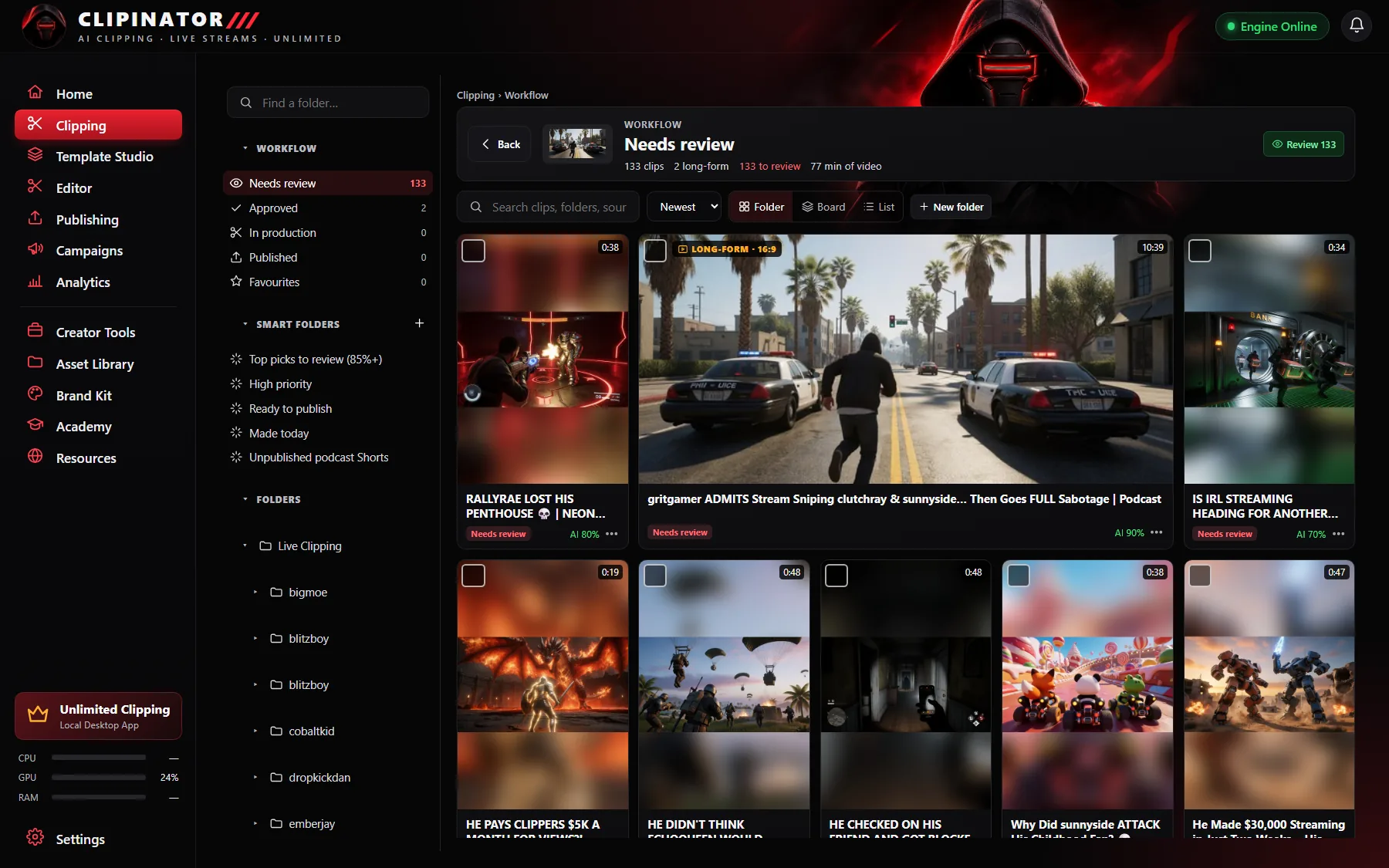
Open the Clips & folders tab. Each streamer is a folder with a LIVE badge when they're on; inside, every stream is its own folder, like “Fri 20 Nov, 23:17”. Tick clips to approve, reject, move or schedule them all at once.
Post them
Publish or schedule to TikTok, YouTube Shorts and Instagram Reels through your own Postly account, or use Post it yourself. See how to post stream clips to TikTok; the steps are the same for Kick.
Questions
Can you clip Kick streams automatically?
Yes. Clipinator monitors Kick streams live and clips the moments where chat and audio spike, then frames and captions them as vertical Shorts.
How do I download a Kick clip?
Kick lets you clip and download the last moments of a stream. To turn streams into Shorts automatically, use a clipping tool that watches the stream and edits the clips for you.
Does Clipinator work with Kick VODs?
Clipinator watches Kick streams live. For past broadcasts, YouTube links, Twitch VODs and video files on your PC work in Long video → Shorts.
How many Kick streamers can I clip at once?
Starter covers 2 live streamers; Pro Clipper covers every streamer your PC can handle.
Clip it all on your own PC
Clipinator watches streams and long videos, finds the best moments and turns them into captioned Shorts. Unlimited clips, no credits, from $29 a month.