How to Make Podcast Clips for TikTok, Shorts and Reels
Podcasts are the easiest long-form content to clip and the hardest to frame. Two or three people, wide shots, and the best line is buried at minute 47. Here is how to get vertical podcast clips that follow the speaker.
Why podcast clips work
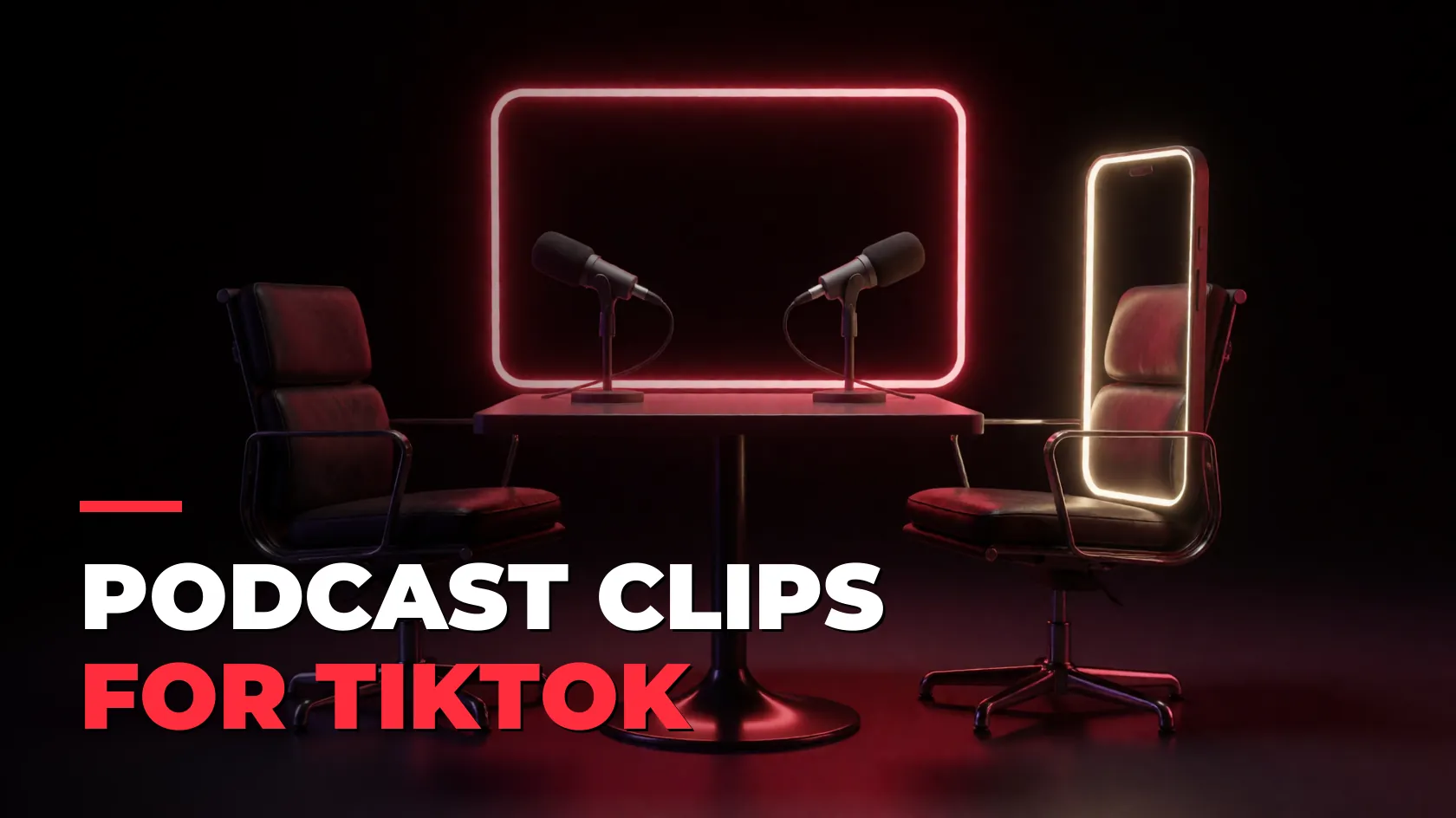
A good podcast moment needs no context: a strong opinion, a story with a twist, a laugh. That's exactly what does well on TikTok, YouTube Shorts and Reels, and it's how most podcasts grow now. One episode can feed a week of clips.
The framing problem
Podcasts are usually filmed wide and landscape. Crop that to 9:16 and you get someone's shoulder. You need the frame to follow whoever is talking, cut by cut. Doing that by hand means keyframing every speaker change.
Step by step
- Open Clipping → Long video → Shorts.
- Paste the episode: a YouTube link, a Google Drive link, or pick the file from your PC with Upload & clip.
- Tick the permission box. Clip your own podcast, a show that hired you, or one whose campaign you joined.
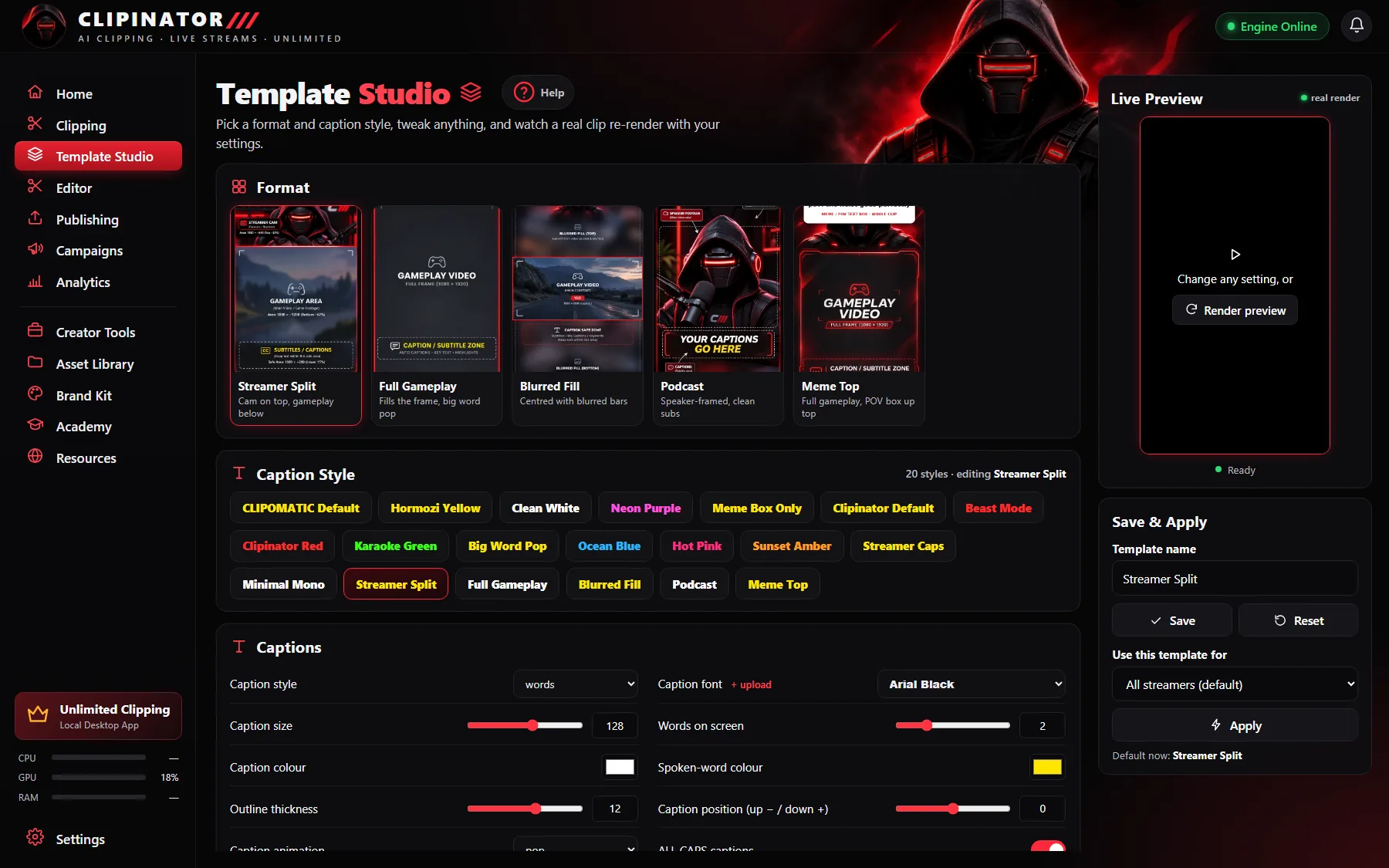
- In Clip setup, choose the Podcast format and a caption style, then how long and how many clips you want.
- Press Make Shorts. Podcasts get face lock automatically: the picture follows whoever is talking.
- Review the clips in Needs review, approve the best and schedule them.
Make podcast clips people finish
- Open on the line, not the setup. Trim the question down to its last few words, or cut straight to the answer.
- Captions are mandatory. Podcasts are all talk and most people scroll muted. See auto captions for Shorts.
- Cut the dead air. In the Editor's Advanced mode, Remove fillers + pauses takes out the “um”s and silences in one click.
- Add a hook card. A bold title in the first seconds tells people why to stay.
- Keep it under a minute unless the story needs more.
Posting podcast clips
Schedule clips across the week from Publishing: pick a start time and a gap, and Spread them out fills the evening slots. Post to TikTok, YouTube Shorts and Reels through your own Postly account, or post them yourself with a reminder at the right time.
Want the full episode on YouTube too? VOD → Long-form builds a 16:9 YouTube episode with a hook up front.
Questions
How do I make podcast clips for TikTok?
Paste the episode link or pick the file, choose the Podcast format and a caption style, and let Clipinator find the moments. Face lock keeps the frame on whoever is talking.
What is face lock?
Face lock makes the vertical frame follow the person who is speaking, so podcast clips don’t show empty chairs or shoulders. Podcasts get it automatically.
Can I clip a podcast from a file?
Yes. Use Upload & clip to pick an MP4, MOV, MKV or other video from your PC. Nothing leaves your computer.
How long should podcast clips be?
Usually 30–60 seconds. Start on the strongest line and keep the setup short.
Clip it all on your own PC
Clipinator watches streams and long videos, finds the best moments and turns them into captioned Shorts. Unlimited clips, no credits, from $29 a month.