Auto Captions for Shorts With No Watermark: Styles That Keep People Watching
Most people scroll Shorts with the sound off. Captions are the difference between a viewer who reads along and one who swipes. Here is how to add them automatically, with no watermark and no per-clip fees.
Why captions matter more on Shorts
On a phone feed, the first second decides everything, and a lot of that second is silent. Big, word-by-word captions give a muted viewer the joke, the question or the reaction before they decide to move on. They also make clips easier to follow in noisy places and more accessible to everyone.
Auto captions without a watermark
Many free caption tools stamp their logo on your video or limit you to a few exports a month. Clipinator transcribes on your own PC and burns the captions in with no watermark. If you want an @handle or logo on your clips, you add it yourself.
How to add auto captions
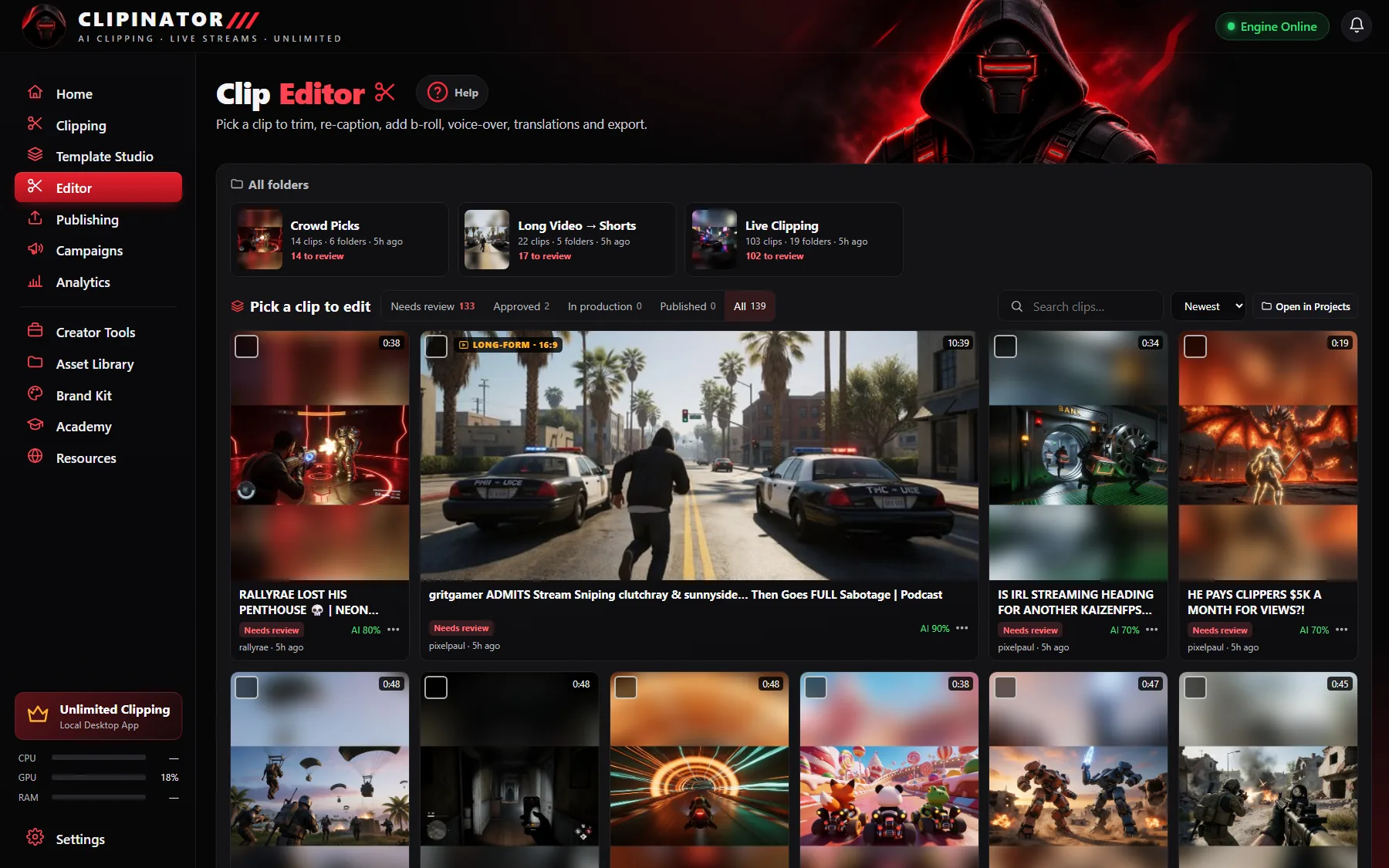
Every clip Clipinator makes is already captioned with the style you picked for that streamer or video. To change one:
- Open the clip in the Editor and click Captions.
- Style: pick a ready-made look, then change anything.
- Font: 18 caption fonts are built in (Montserrat, Poppins, Anton, Bebas Neue, Bangers, Luckiest Guy and more), plus any font you upload.
- Motion: pop in, bounce, highlight the spoken word, a karaoke box behind the word, or slide up.
- Outline and Shadow keep them readable on busy gameplay.
- Drag the captions on the video to move them. Click a word in the transcript to jump to it, or fix a line with ✏.
Caption styles that hold viewers
- Word by word, not full sentences. One to three words on screen at a time keeps the eye moving.
- Highlight the spoken word. A colour or karaoke box on the current word makes captions feel alive.
- Big and centred, clear of the UI. Keep them above TikTok's and YouTube's buttons at the bottom.
- Thick outline on gameplay. Busy backgrounds eat thin white text.
- Fix names and slang. One wrong word in a punchline kills it. Use the transcript to correct it.
Remove the dead air while you're there
In the Editor's Advanced mode, Captions → Remove fillers + pauses cuts the “um”s and silences in one click, which makes clips tighter and captions cleaner. You can also download the subtitles as an .srt file.
Captions on long-form too
The same captions work on long videos you turn into Shorts and on podcast clips. See long video to short clips and podcast clips for TikTok.
Questions
How do I add auto captions to YouTube Shorts?
YouTube can generate captions viewers turn on, but burned-in, styled captions keep muted viewers watching. Clipinator adds word-by-word captions to every clip it makes, on your PC, with no watermark and no per-clip fee. The app is a flat plan from $29 a month.
Do the captions have a watermark?
No. Clipinator only adds a watermark if you type your own @handle into it.
How many caption styles are there?
Starter includes 5 caption styles and Pro Clipper all 20, with 18 built-in fonts and any fonts you upload.
Can I edit the caption text?
Yes. Click any line in the transcript to fix a word, move the captions by dragging them, and change the style, font and motion.
Clip it all on your own PC
Clipinator watches streams and long videos, finds the best moments and turns them into captioned Shorts. Unlimited clips, no credits, from $29 a month.